Skip to events
IESE AI Club

IESE AI Club · Autumn 2026

Show up curious.
Leave with
something made.

Longer workshops to build with AI. Thursday sessions to understand how it works. Find your next session, see what you’ll do, and come ready to try it.

For IESE students · No coding background required

Choose your series

01 · Applied AI

Build the workflow.

Six main workshops. More time to map a real task, build something useful and test it.

2–2.5 hours in the programme · Hands-on
02 · Thursday fundamentals

Understand the parts.

Six focused sessions. One core concept and a practical exercise each week.

Thursdays · 13:00–14:00 · Members only

Series 01 · Flagship workshops

Six workshops.
Work you can use.

From your first AI-assisted task to designing a production workflow. Each session has a concrete exercise and an output you can check. Programme durations are a guide; individual event listings confirm exact times.

Main workshop 01Past event

Intro to Claude & the OpenAI ecosystem

2 hoursHands-on

A tour beyond casual ChatGPT use.

FacilitatorZachery Ballenger

17 Sep 2026 · 15:30–17:30

More details
2 hoursHands-onCowork · ChatGPT · Codex

Use AI for files, research and daily work, then explore what changes when you delegate a task to Cowork or build with Codex and Claude Code.

Date
17 September 2026
Time
15:30–17:30 · Barcelona
Room
F-402
FacilitatorZachery Ballenger

What you’ll learn & do

What we cover

  • Know when to use Chat, Cowork or a coding agent.
  • Give a clear brief, provide useful context and check the result.
  • Understand the tools, connectors and files around an AI assistant.

Hands-on exercise

Build a Career Fit profile, try an internship radar or reusable skill, and verify an output against the source.

You’ll leave with

A one-page career profile and a first workflow you can test and improve.

Before you come

Bring a laptop and your CV if you want to use the career example. Tool access and setup are described in the follow-along guide.

Resources

Main workshop 02Past event

Workflow Mapping

2.5 hoursHands-on

Start with a real process, then choose the tools.

FacilitatorMuhammad Maula Arif

13 Oct 2026 · 15:30–18:00

More details
2.5 hoursHands-onClaude Projects · Cowork

Use Map, Mark, Make, Mend: map a task you repeat, assign human and AI responsibilities, build the workflow, then improve it after each run.

Date
13 October 2026
Time
15:30–18:00 · Barcelona
Room
F-402
FacilitatorMuhammad Maula Arif

What you’ll learn & do

What we cover

  • Distinguish a prompt from a repeatable workflow.
  • Identify inputs, handoffs, decisions and human checkpoints.
  • Build a Claude Project with instructions, reference files and an output format.

Hands-on exercise

Map a workflow you currently do manually, then build and test a first version. Use your own task or a sales report, meeting follow-up or customer-feedback example.

You’ll leave with

A workflow canvas, a working first version and a run log for improvements.

Before you come

Bring a laptop, access to the tools used in the session and one recurring task you want to improve.

Resources

Main workshop 03Programme outline

Context Building & Management

2.5 hours · programme outlineHands-on

Control what the model knows when it answers.

FacilitatorRadu Pană

Date to be announced

More details
2.5 hours · programme outlineHands-onClaude · ChatGPT · Codex

Understand the context window, why long chats can drift and how instructions and reference files give an assistant a useful picture of your work.

Date, time and room will be announced in IESE Groups.

FacilitatorRadu Pană

What you’ll learn & do

What we cover

  • Separate standing instructions from task-specific context.
  • Choose which facts, files and examples the assistant needs.
  • Keep context useful as your project changes.

Hands-on exercise

Write a context file for a case, project or job search. Compare answers with and without it.

You’ll leave with

A reusable context file for a real piece of your work.

Before you come

Bring a laptop and one task with useful background material. The event listing will confirm account requirements.

Also on the calendar: Context Matters, 26 October, 15:40–18:30. See the live listing above for that session’s exact timing and ticket options.

Resources

Resources will be added when available.

Main workshop 04Programme outline

Frontend & Portfolio Page

2.5 hoursBuild session

Build and publish a presentable personal page.

FacilitatorTo be announced

Date to be announced

More details
2.5 hoursBuild sessionAI-assisted website building

Learn the building blocks of a useful page: structure, layout, typography, colour, spacing and motion. Use AI to build something that reflects your work.

Date, time and room will be announced in IESE Groups.

FacilitatorFacilitator to be announced

What you’ll learn & do

What we cover

  • Turn a clear purpose into a simple page structure.
  • Apply a practical design and accessibility checklist.
  • Preview, improve and publish a one-page site.

Hands-on exercise

Build a personal portfolio page, review it at desktop and phone sizes, and publish it.

You’ll leave with

A live one-page portfolio you can share.

Before you come

Bring a laptop, a short bio and one or two projects you want to show. Tool and account setup will be shared with the event invitation.

Resources

Resources will be added when available.

Main workshop 05Programme outline

GitHub & Backend Basics

2 hoursGuided practice

Understand what happens behind the button.

FacilitatorTo be announced

Date to be announced

More details
2 hoursGuided practiceGitHub · example repository

Learn to read a repository, explore open source and understand servers, backends and APIs in plain language. No software-development background is assumed.

Date, time and room will be announced in IESE Groups.

FacilitatorFacilitator to be announced

What you’ll learn & do

What we cover

  • Find the README, source files and change history in a repository.
  • Explain how a frontend, API and backend fit together.
  • Review an AI-generated change before accepting it.

Hands-on exercise

Explore a real repository and trace one request from a button click through an API call to a server response.

You’ll leave with

A practical map of how a small application works.

Before you come

Bring a laptop and a GitHub account. Any example files and setup steps will be shared before the session.

Resources

Resources will be added when available.

Main workshop 06Programme outline

Building Agents for Marketing

2.5 hoursWalkthrough + design

Turn a creative brief into a checked production process.

FacilitatorTo be announced

Date to be announced

More details
2.5 hoursWalkthrough + designClaude Cowork

Break marketing work into agent-ready stages. Explore creative-brief and video-generation pipelines, with human review where it matters.

Date, time and room will be announced in IESE Groups.

FacilitatorFacilitator to be announced

What you’ll learn & do

What we cover

  • Give each stage a clear input, job and expected output.
  • Place human approval gates before downstream production.
  • Define quality checks and decide when to revise or stop.

Hands-on exercise

Design a marketing-agent pipeline with stages, a human approval gate and a quality check.

You’ll leave with

A production workflow you can explain, test and improve.

Before you come

Bring a laptop and a sample marketing task or brief. Specific tools and account requirements will be confirmed in the event invitation.

Resources

Resources will be added when available.

Series 02 · Thursday fundamentals

One hour.
One idea. Try it.

Six members-only sessions. Build your understanding of models, skills, tools, memory and agent workflows, one hands-on exercise at a time.

Series facilitatorRajas Bhagat
Thursdays · 13:00–14:00Announced weekly programme from 8 October 2026 · Barcelona time

The dates below follow the announced weekly sequence. Check the individual event invitation for room, registration and any schedule changes. Only the first session currently has an individual event listing linked here.

Thursday 01Event listing

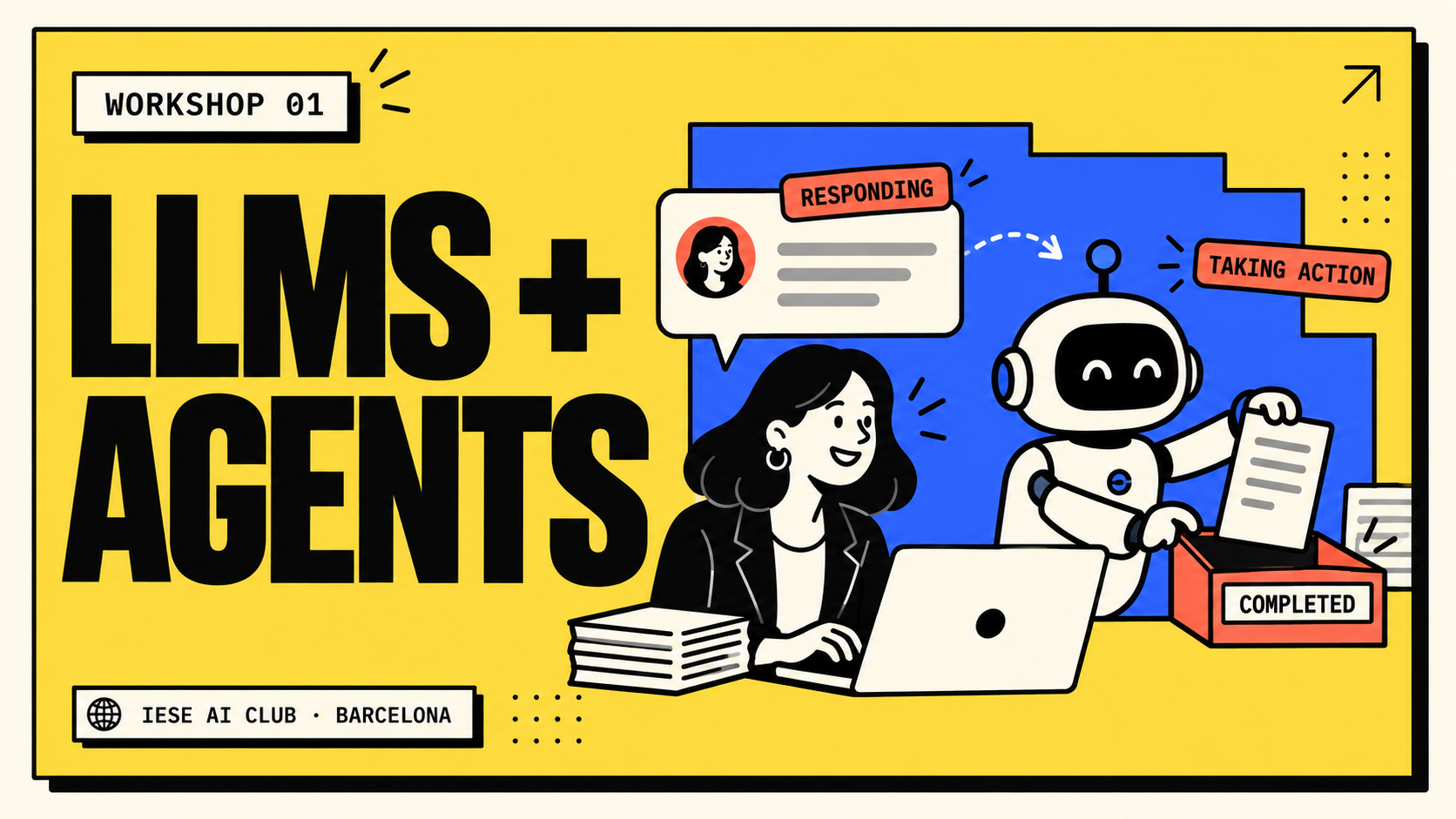
What are LLMs and Agents?

1 hourMembers only

Understand what a language model does, how training changes it and what an agent adds: tools, observations and a loop that works towards a goal.

8 Oct 2026 · 13:00–14:00

More details
1 hourMembers only

Understand what a language model does, how training changes it and what an agent adds: tools, observations and a loop that works towards a goal.

Date
8 October 2026
Time
13:00–14:00 · Barcelona
Room
B-301

What you’ll learn & do

What we cover

  • Tokens, training and the difference between changing context and changing model weights.
  • LLM, tool and agent system: what each part contributes.
  • Evidence that an agent actually completed an action.

Hands-on exercise

Use the same fictional supplier data twice: first get an LLM recommendation, then let an agent read the file, calculate costs and create a shortlist. Change one constraint and check the update.

You’ll leave with

A checked shortlist and a clear explanation of when chat is enough and when an agent helps.

Before you come

Bring a laptop. Any app access, practice files and setup instructions will be shared with the session reminder. No coding background is required.

The Thursday series is for club members. Practice materials are shared with participants.

Resources

Practice materials are shared with club members.

Thursday 02Planned weekly date

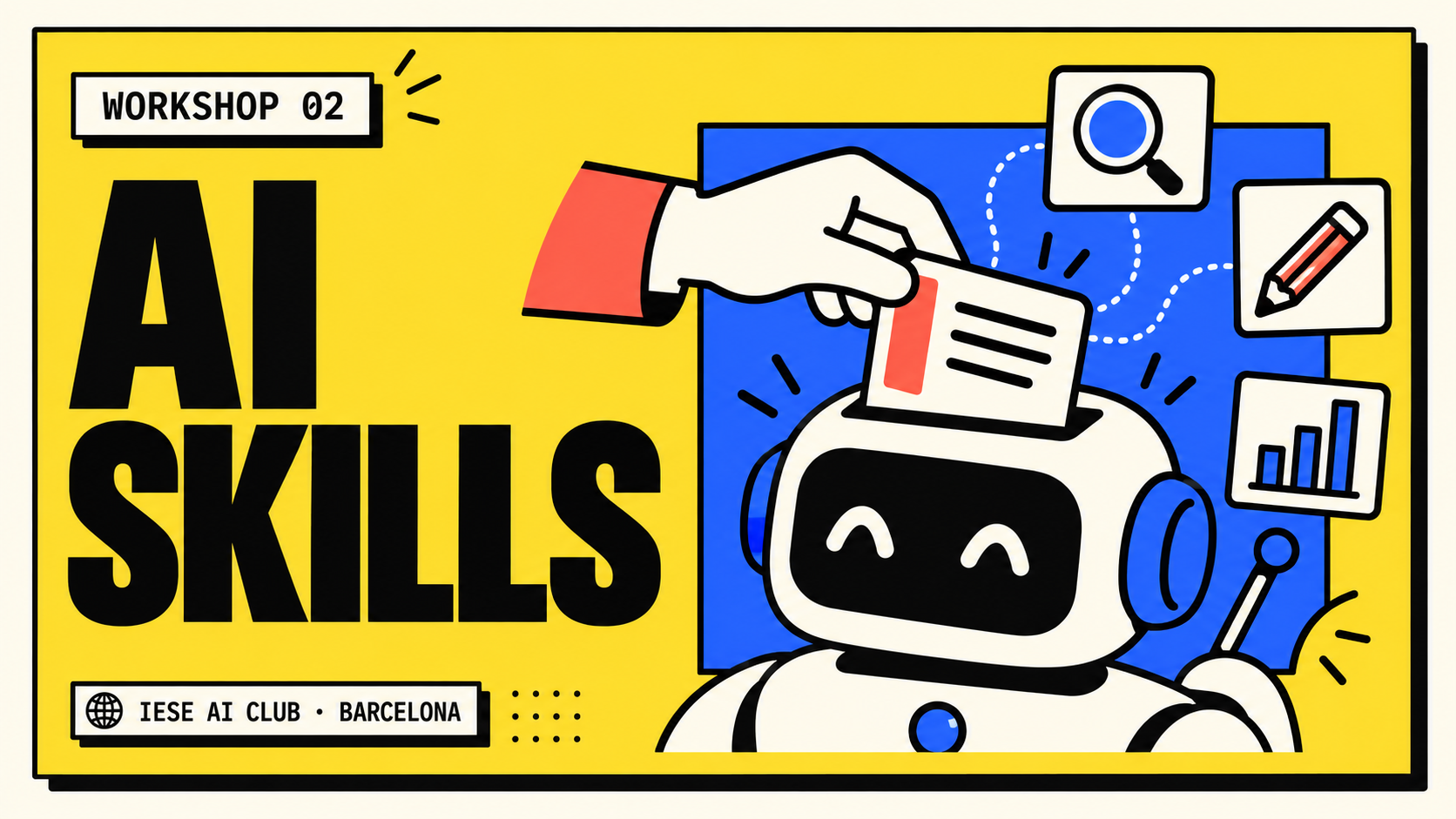
What are Skills?

1 hourMembers only

Package a repeatable way of working into a skill folder. See how its description guides selection and how the instructions load when the task needs them.

15 Oct 2026 · 13:00–14:00

More details
1 hourMembers only

Package a repeatable way of working into a skill folder. See how its description guides selection and how the instructions load when the task needs them.

Date
15 October 2026
Time
13:00–14:00 · Barcelona
Room
To be announced in IESE Groups

What you’ll learn & do

What we cover

  • The parts of SKILL.md and the role of reference files.
  • Skills versus prompts, project instructions, memory and tools.
  • How to install, edit and test a skill in Claude or Codex.

Hands-on exercise

Summarise the same fictional notes without and with exec-summary. Score both, change the word-limit rule and test which prompts activate the skill.

You’ll leave with

An installed skill you can inspect and edit, plus a scorecard comparing its outputs.

Before you come

Bring a laptop. Follow the Claude or Codex setup in the exercise guide below. No coding background is required.

The Thursday series is for club members. Practice materials are shared with participants.

Resources

Thursday 03Planned weekly date

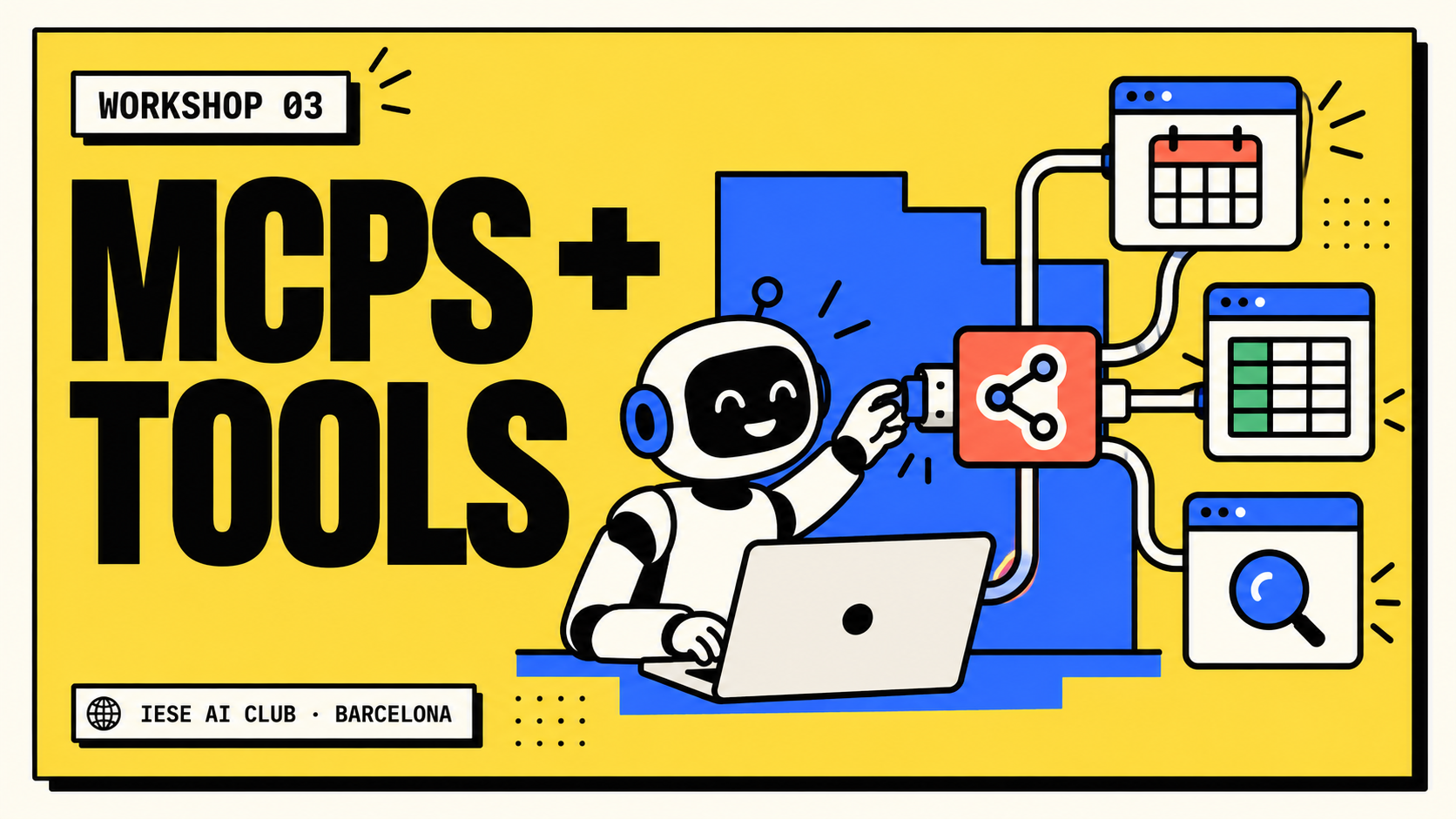
What are MCPs and Tools?

1 hourMembers only

Tools let an assistant read information or take action. Explore how the Model Context Protocol provides a common way to connect an assistant to those capabilities.

22 Oct 2026 · 13:00–14:00

More details
1 hourMembers only

Tools let an assistant read information or take action. Explore how the Model Context Protocol provides a common way to connect an assistant to those capabilities.

Date
22 October 2026
Time
13:00–14:00 · Barcelona
Room
To be announced in IESE Groups

What you’ll learn & do

What we cover

  • The difference between a model, a tool and an MCP server.
  • What a connected tool can access and what it can change.
  • How to choose useful permissions and review a tool result.

Hands-on exercise

Map the tools needed for a business task, then make a guided read-only tool call and inspect the returned information.

You’ll leave with

A tool map and a checked example of a connected assistant retrieving information.

Before you come

Bring a laptop. Any app access, practice files and setup instructions will be shared with the session reminder. No coding background is required.

The Thursday series is for club members. Practice materials are shared with participants.

Resources

Practice materials are shared with club members.

Thursday 04Planned weekly date

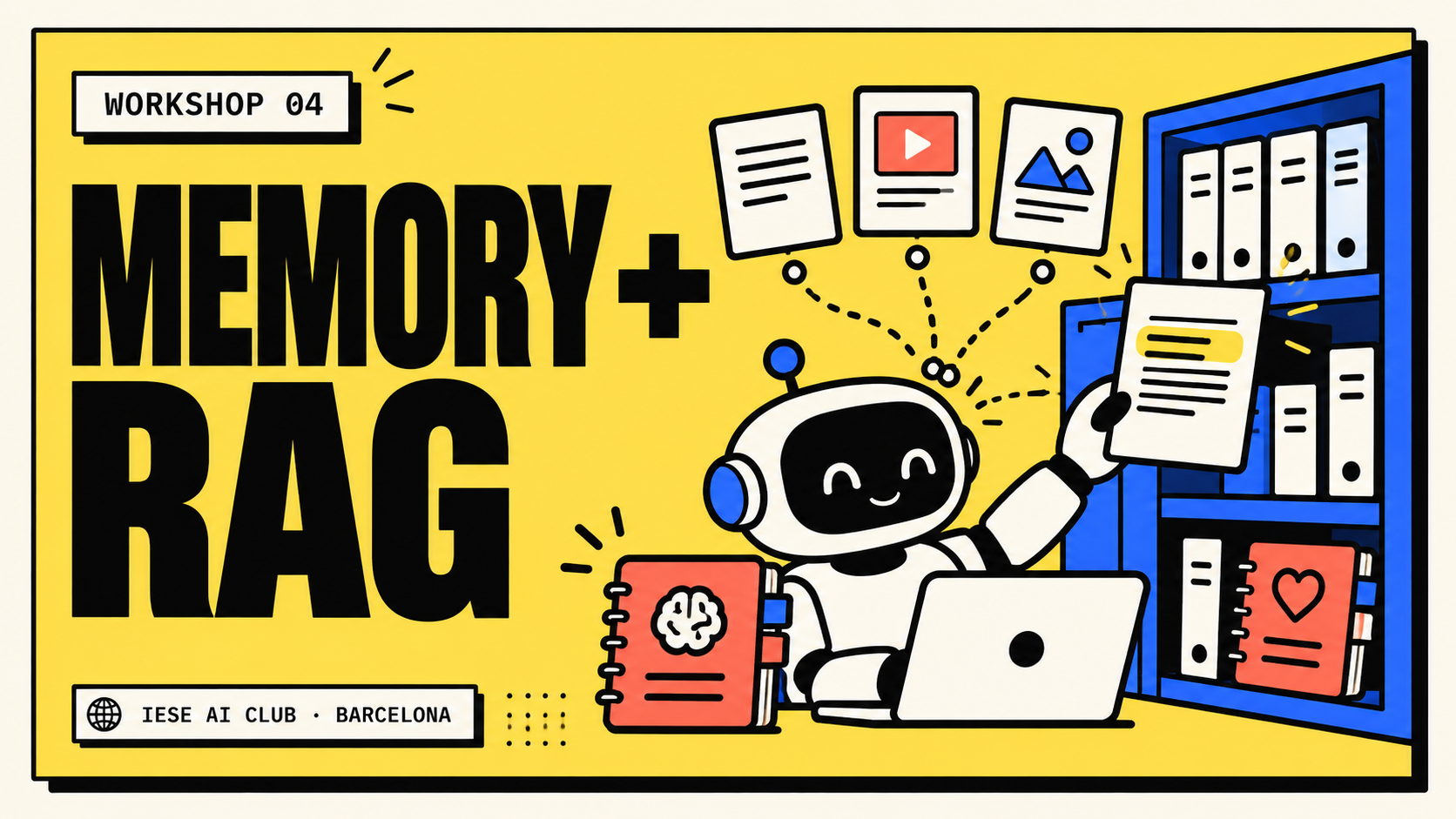
What is Memory and RAG?

1 hourMembers only

Explore how an assistant uses information beyond the current message. Distinguish saved memory from retrieval-augmented generation: finding relevant source material before answering.

29 Oct 2026 · 13:00–14:00

More details
1 hourMembers only

Explore how an assistant uses information beyond the current message. Distinguish saved memory from retrieval-augmented generation: finding relevant source material before answering.

Date
29 October 2026
Time
13:00–14:00 · Barcelona
Room
To be announced in IESE Groups

What you’ll learn & do

What we cover

  • What to remember and what to retrieve when needed.
  • How source documents become relevant context for a question.
  • How to check evidence and handle missing information.

Hands-on exercise

Ask questions using a small collection of source documents. Check the evidence behind the answers and decide what information is worth remembering.

You’ll leave with

An evidence-backed answer and a simple plan for memory versus retrieval.

Before you come

Bring a laptop. Any app access, practice files and setup instructions will be shared with the session reminder. No coding background is required.

The Thursday series is for club members. Practice materials are shared with participants.

Resources

Practice materials are shared with club members.

Thursday 05Planned weekly date

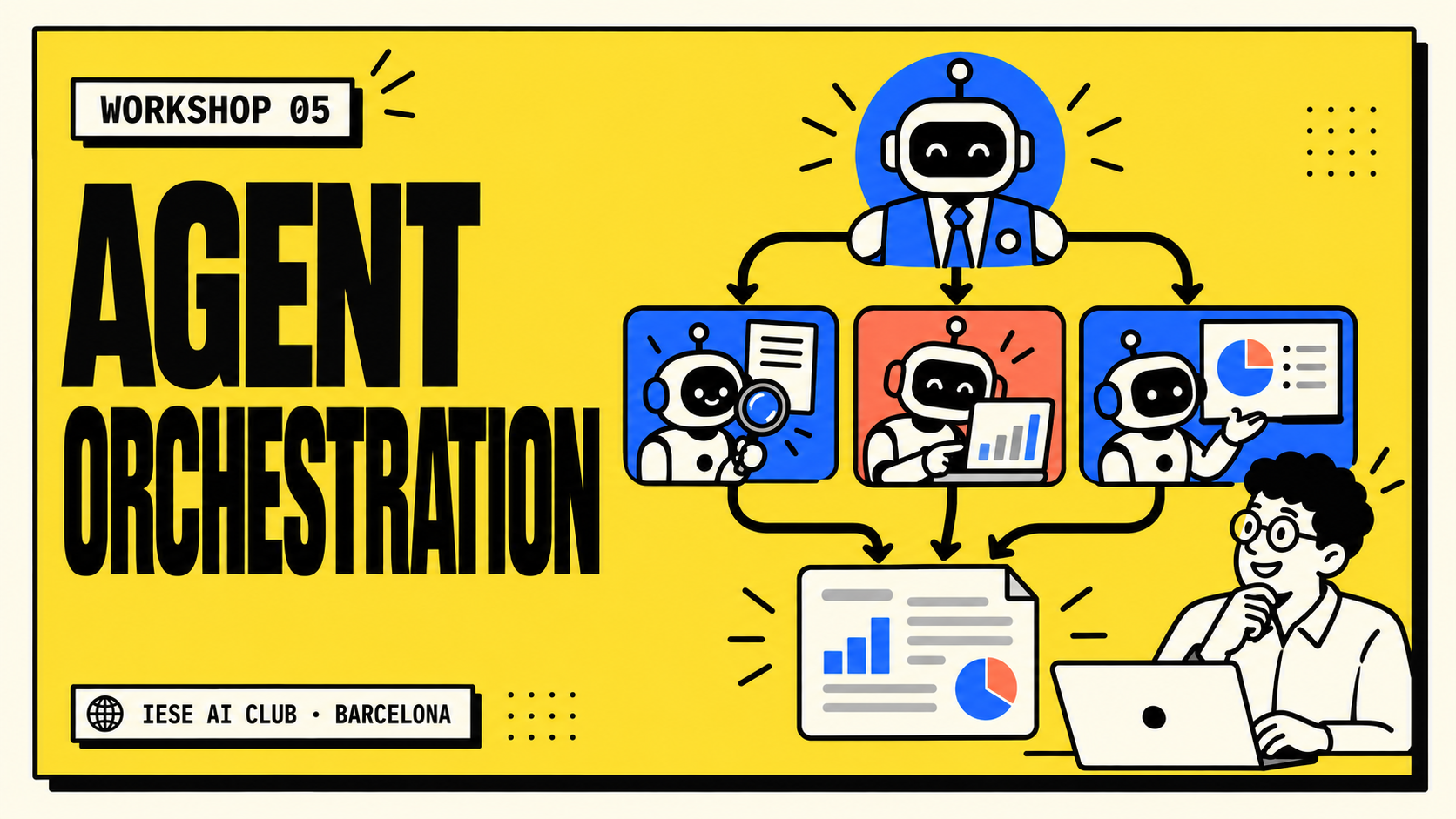
How to Do Agent Orchestration?

1 hourMembers only

Divide a larger job into focused roles. Explore how a coordinating agent assigns work, passes results between specialists and brings the pieces together for review.

5 Nov 2026 · 13:00–14:00

More details
1 hourMembers only

Divide a larger job into focused roles. Explore how a coordinating agent assigns work, passes results between specialists and brings the pieces together for review.

Date
5 November 2026
Time
13:00–14:00 · Barcelona
Room
To be announced in IESE Groups

What you’ll learn & do

What we cover

  • When a single agent is enough and when to split the task.
  • How to define roles, handoffs and shared context.
  • How to review the combined result rather than trust each part.

Hands-on exercise

Design a small team of agents for a business case. Define each role and handoff, run the workflow and evaluate the final recommendation.

You’ll leave with

A small agent-team design with clear responsibilities and a review step.

Before you come

Bring a laptop. Any app access, practice files and setup instructions will be shared with the session reminder. No coding background is required.

The Thursday series is for club members. Practice materials are shared with participants.

Resources

Practice materials are shared with club members.

Thursday 06Planned weekly date

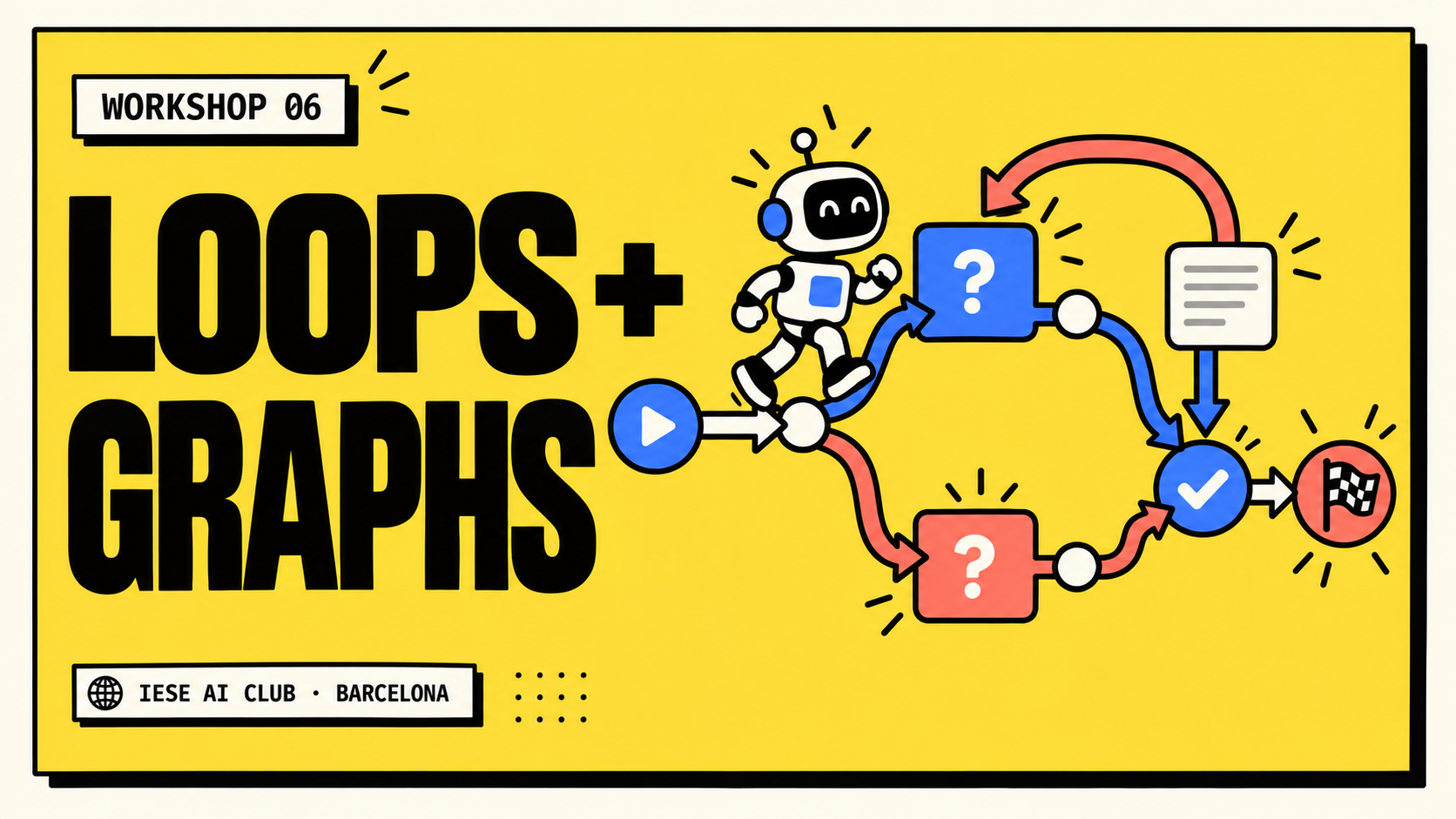
Loops and Graphs

1 hourMembers only

Map workflows that branch, repeat and stop. Learn how a loop can improve a result and how a graph makes the paths between decisions visible.

12 Nov 2026 · 13:00–14:00

More details
1 hourMembers only

Map workflows that branch, repeat and stop. Learn how a loop can improve a result and how a graph makes the paths between decisions visible.

Date
12 November 2026
Time
13:00–14:00 · Barcelona
Room
To be announced in IESE Groups

What you’ll learn & do

What we cover

  • Straight-line steps, conditional branches and revision loops.
  • Clear stop conditions and limits on repeated work.
  • What happens when a check fails or evidence is missing.

Hands-on exercise

Design and test a workflow that researches a question, checks the answer, revises when needed and stops at a defined endpoint.

You’ll leave with

A tested workflow map with a branch, a revision loop and a stopping rule.

Before you come

Bring a laptop. Any app access, practice files and setup instructions will be shared with the session reminder. No coding background is required.

The Thursday series is for club members. Practice materials are shared with participants.

Resources

Practice materials are shared with club members.

Also in the programme

A day to put
it all together.

Our first applied-AI hackathon is planned for the first week of December. Teams of 3–5 tackle a real challenge, build with mentor feedback and pitch to a jury.

Morning: challenge briefs and build. Midday: mentoring. Afternoon: finish the prototype. Evening: pitches, awards and networking.

Date, partners, challenges and registration are still being finalised. Members hear the details first.

Come prepared

A laptop.
A real task.
Your curiosity.

Choose a session, bring a piece of work you care about and be ready to check what the AI produces. Specific app setup is shared before each event.

Thursday fundamentals is a members-only series. Other event eligibility and ticket options are stated in the relevant IESE Groups listing.

Session details